Designing Products
Minimal doesn’t mean miserable: How to design an MVP that is functional, reliable, usable, and delightful.
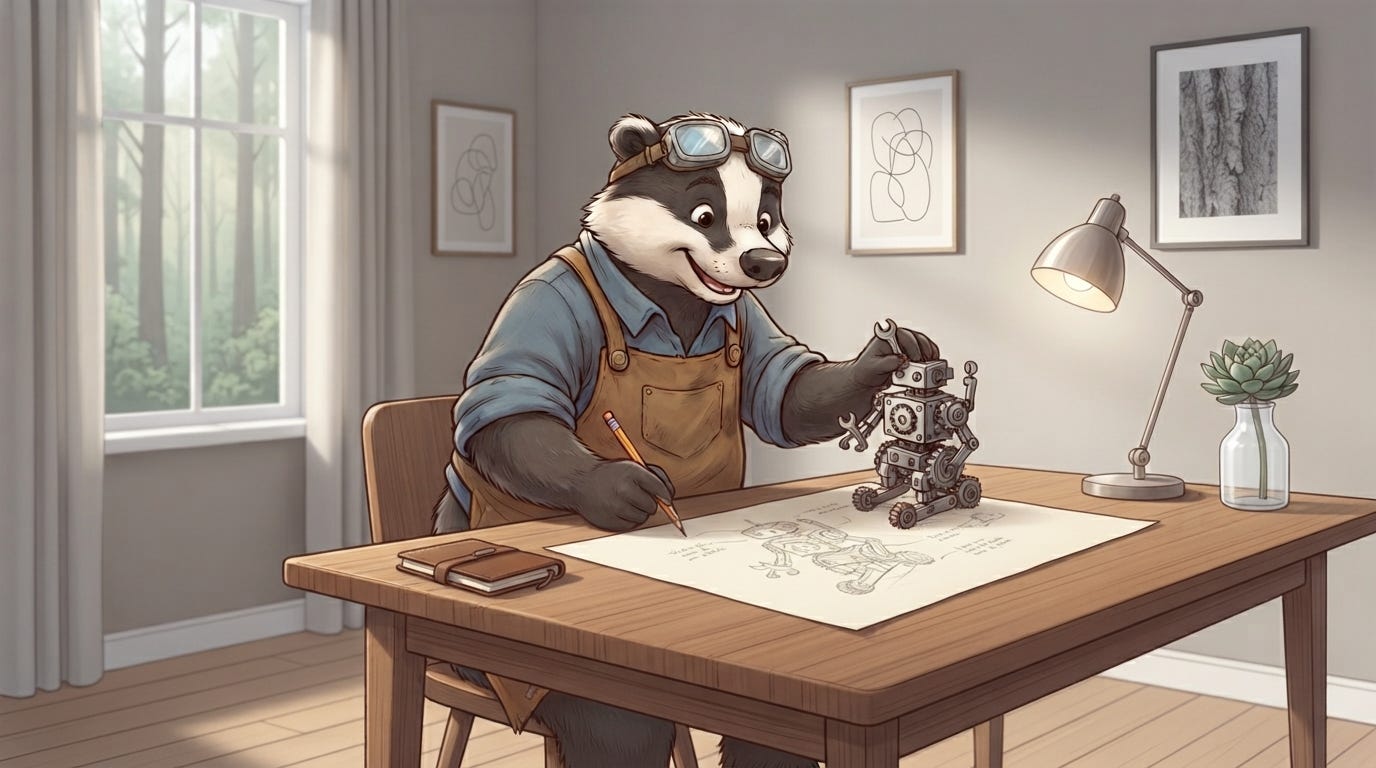
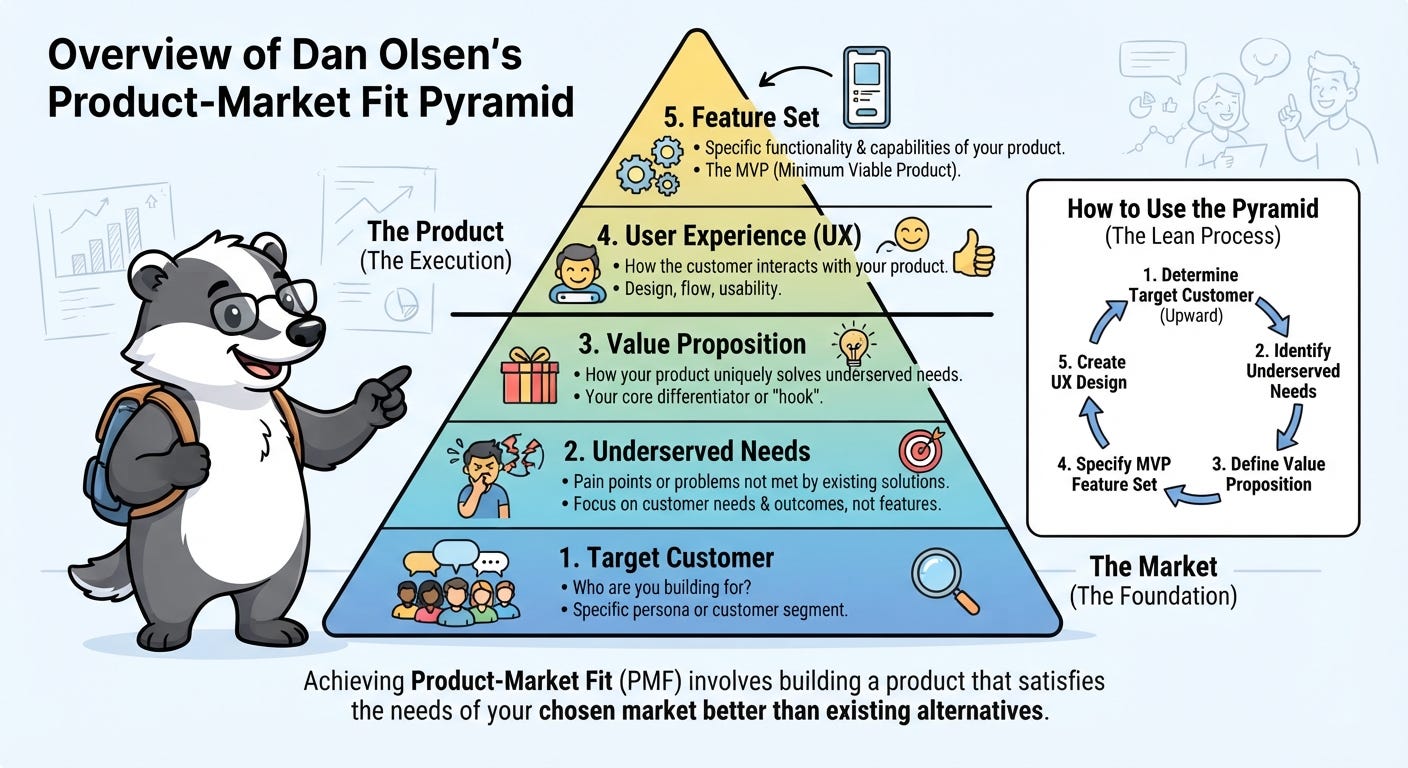
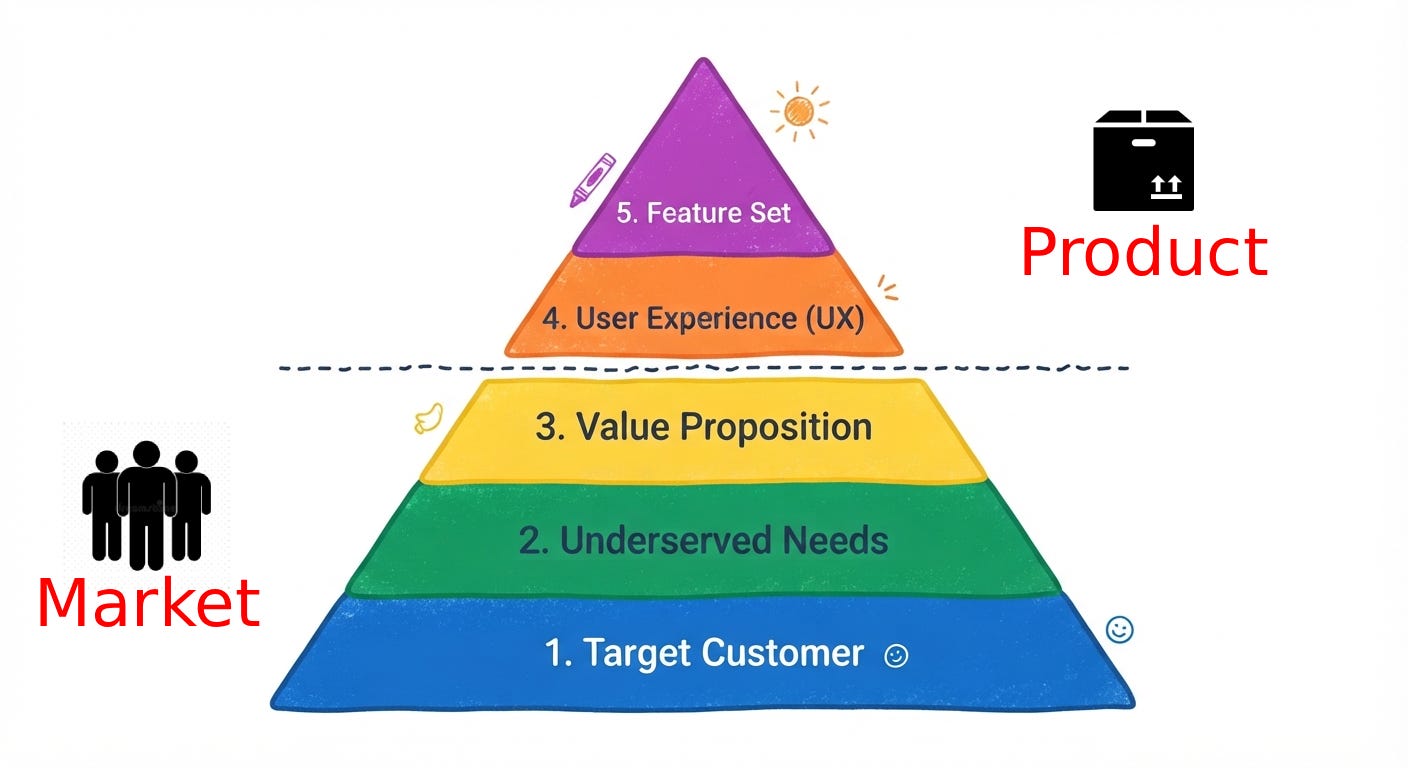
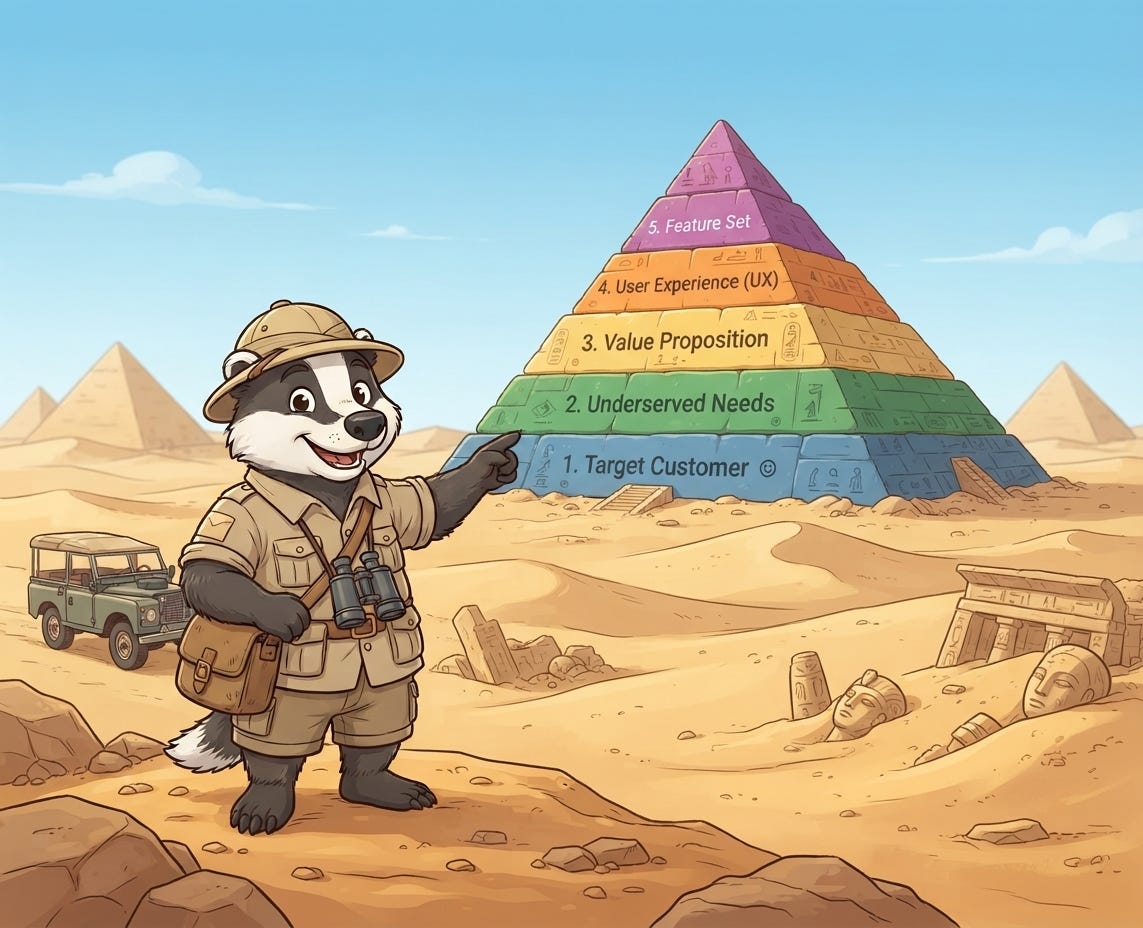
In our last article here we’ve delved into the Product Pyramid (created by Dan Olsen).
We found that building a product is not a straightforward job of just sitting in front of your computer and start building what looks to you like a nice-looking app.
But the goal-post for measuring success is how well it serves your users. And for that you need to do some R&D to better understand what your users actually need in their lives. And then provide it through your app.
Your app is always taking second place to the life experience of the user within their domain. The app is just a tool. As a product builder, you are a tool-builder.
And as a product designer, you are in charge of the experience that your users are going to go through from thee very first interaction they have with your application/web site/tool up to the point where they return again and again and again because they get value from it.
Good product design helps your users to get to that value fast and to make the most of it.
What is the Product Designer’s Role?
The way that companies are building products has changed.
AI technology accelerate this even further. But even before AI, the way that products have been taking shape has taken a more integrative approach with design teams rather than having a traditional “phase model”.
What I mean by “phase model” is that at a certain point the product development (maybe at the very beginning) people ask an internal or external design team for a mock-up of their pages (the ones they believe will suffice) and some brand guidelines if they didn’t have that already.
That model of working is old and inflexible.
And that is because products change along with their users. Especially in the discovery phase - the phase where you, as a business, are still learning about your user base and about your market in general. You find better/faster/more relevant ways of serving them and ways in which you can deliver more value to them.
This requires of the product to change and, of course, it requires the designers to adapt as the product changes shape.
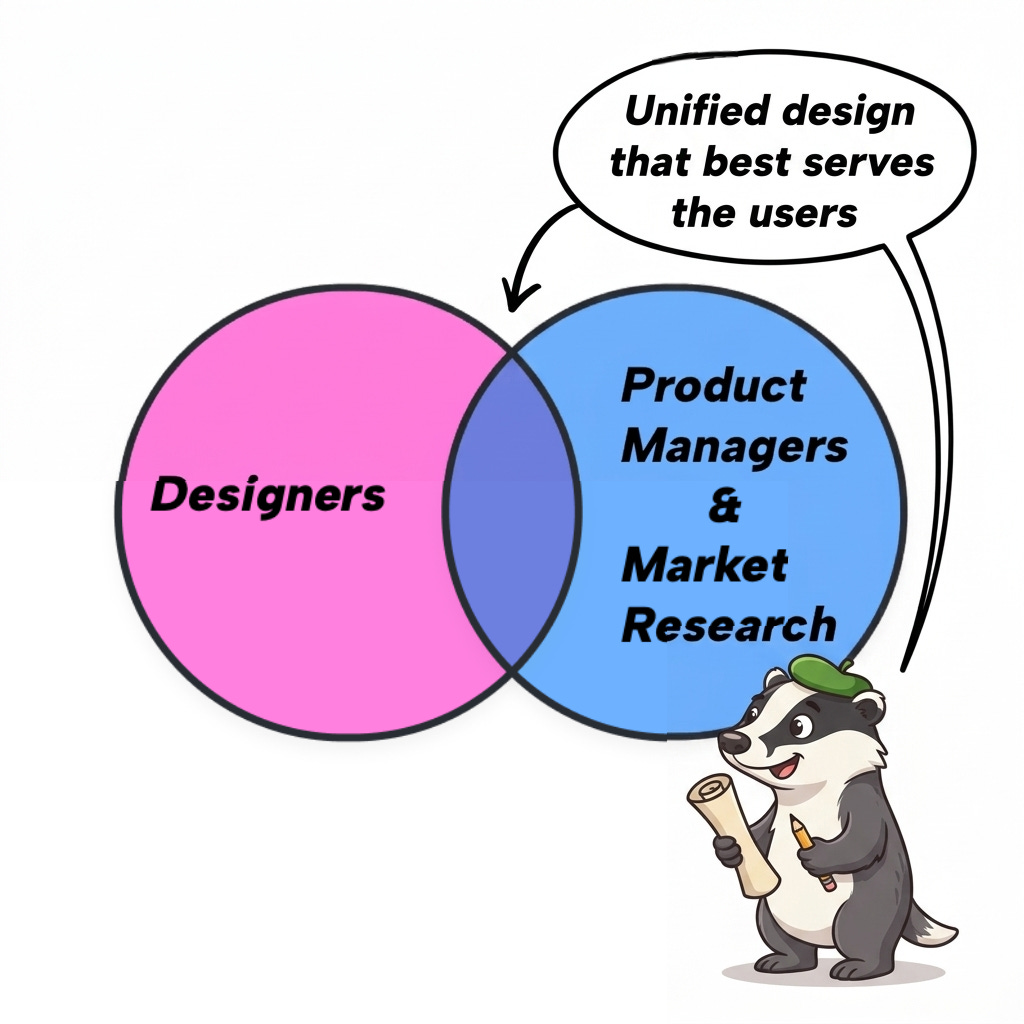
The designer is in a much better position if they spend more time among the product manager and engineers, rather than other designers, because they keep in touch with what is feasible, necessary and yields better results if it is prioritised in terms of product delivery. We can say that designers keep their finger on the pulse, if they are closer to the action. And the action is with the people who are studying their market and their current and future user base and the engineers who are pushing out features or fixes that change (sometimes fundamentally) what the product can deliver.
How will the users know what are the newest advantages of the product and how easily they can make use of them if not guided by timely design?
UI vs. UX
Like I said in the beginning, the product designer role is much more that supplying mock-ups of pages. The more integrated they are with the rest of the team (mainly product management and engineers) the better.
In order to cater to the users’ interactions as well as possible, the designers must step back and take a broad look at the whole user experience along the customer’s journey.
Below we have a series of questions (recommended by the SVPG blog) that designers would benefit in asking, in order to assess relevant points in the user’s journey:
how will customers first learn about the product?
how will we onboard a first-time user and (perhaps gradually) reveal new functionality?
how might users interact at different times during their day?
what other things are competing for the user’s attention?
how might things be different for a 1-month old customer differ from a 1-year old customer?
how will we motivate a user to a higher level of commitment to the product?
how will we create moments of gratification?
how will a user share their experience with others?
what is it like to resolve a support issue?
how will customers receive an offline service?
what is the perceived responsiveness of the product?
Even though many of the answers to the questions above will become clearer after the launch of a product or a prototype, when we will see how actual users really interact with your product, it is best to come back to these questions and update them with new findings as we go along on developing the product.
The above question set is better used as a framework that is reviewed monthly or even weekly so that we keep the customer experience on top of mind.
Designing an MVP
Now that we talked about designing the user experience with the user in mind and among the engineers and product people, let’s take a view over what is the best way to start and the most common mistake when building a product.
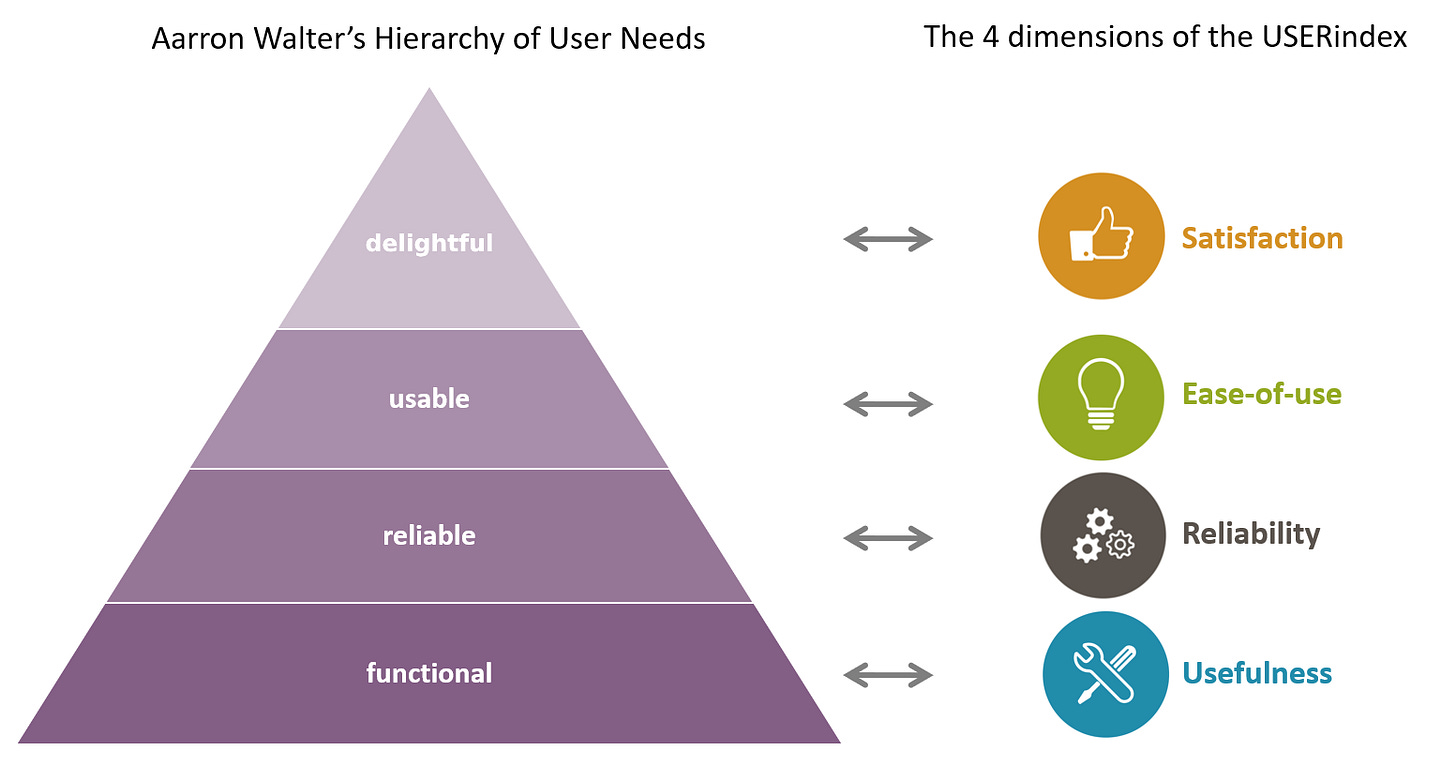
Below we have Aarron Walter’s hierarchy of needs.
(Yes, another pyramid - read about the other one here)
It looks simple enough.
There are four levels that you have to build on from the bottom up. Upper tiers are dependent on the lower ones. So you need to focus on the lower ones to have a stable foundation.
But don’t forget that the goal is to get at the top.
Successful apps are delightful and make people return to use them again and again.
One of the biggest mistakes that teams try to do in the initial phases (that you should watch out for!) is not building an MVP properly.
Look, at the beginning, you can’t possible cover the whole pyramid from top to bottom. What you need is to get an MVP out of the gate in the hands of your users.
Most people neglect their users and hope that they will understand that this is an MVP or a ‘Prototype’ and that if they have a bad experience using it “is ok” because “for now, it just needs to work”
You can tell them that, and they can understand and agree.
But that won’t make them into happy users and future happy customers. So you’re on the wrong track. The “it’s only a prototype” line (which sounds like an excuse, because it is) will only work within your team.
In the MVP stage, you might think that most users’ UX pyramid should look like this:
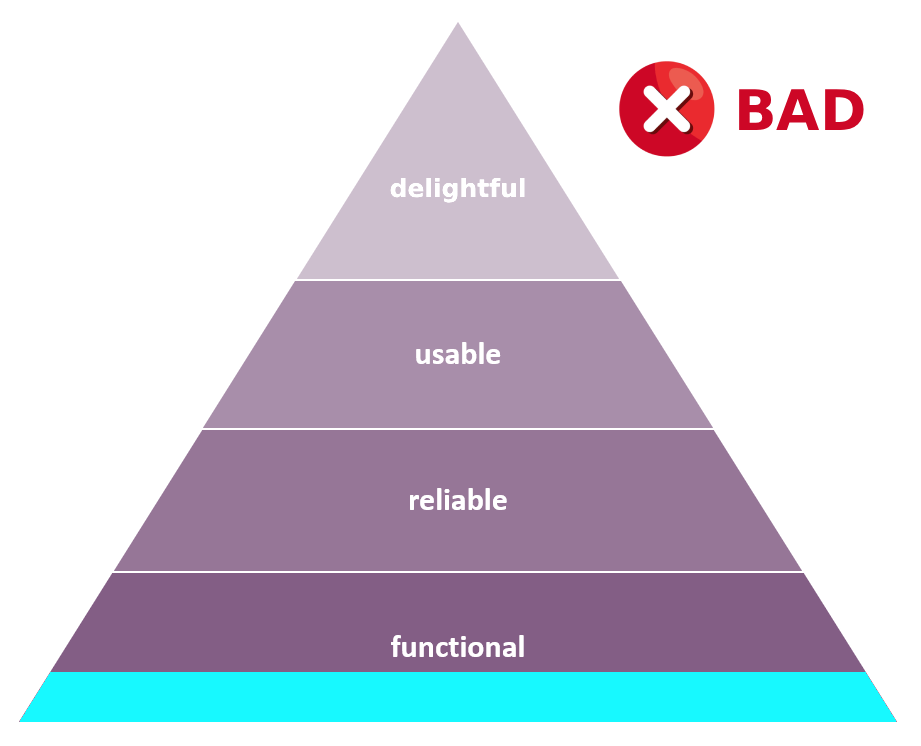
You might think at first that just implementing a small feature set that works is good enough for a proof-of-concept and to validate feasability of the product so that should be enough to satisfy the design needs.
That is wrong because it doesn’t really offer any good user experience.
And user experience is crucial at any point you have users using your app.
The correct way to look at it is the following:
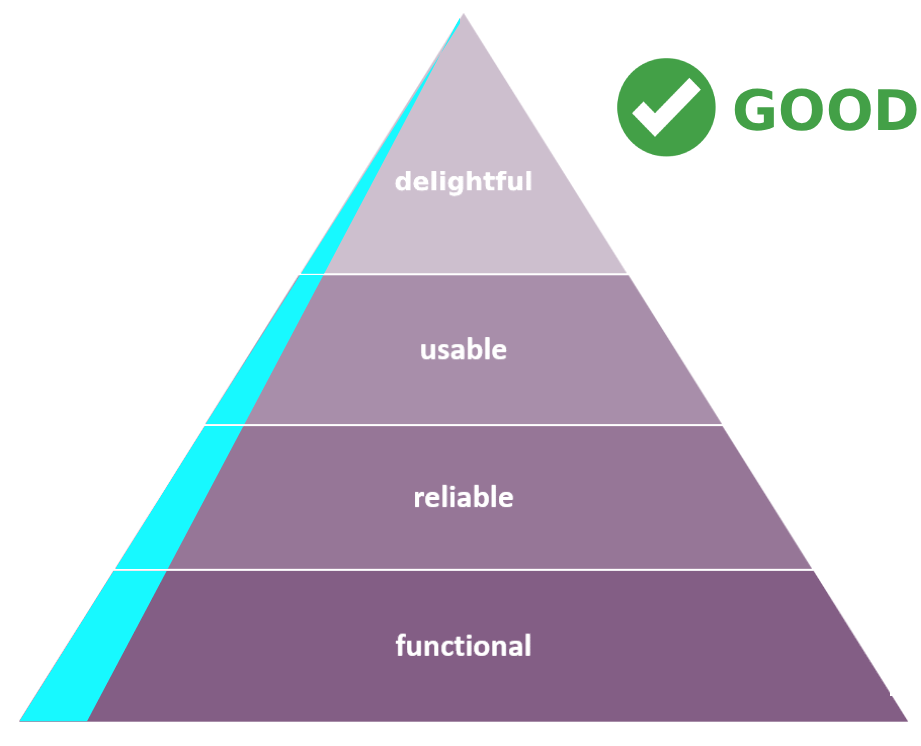
You start by selecting a very small feature set (the first word in MVP is “minimal”, after all) and you insure that the features that the people are using are function, reliable, usable AND delightful enough that the experience becomes memorable and they will look back at returning to your app every time they feel the pain again that your tool solves.
Conclusion
The gist of it is that you must provide amazing experiences to your users. That is the endgame. Always was, always will be.
But the pitfall that you need to beware of is not asking the right questions, and becoming too narrow focused on things that are not as important as you think.
Takeaways:
include the designer in the engineering and product work. They don’t need to understand all the nooks and crannies. Just to understand which nooks and crannies are important and use that to your team’s (and user’s) advantage.
use the questioning framework above to look for blind spots in the alignment between design and product.
when building an MVP, always take in consideration Aaron’s Pyramid. Use a small subset of the features (“M” in MVP stands for minimal) and optimise the UX for those. Build high and narrow, and then extend the pyramid to other features.
Look out for the next blog posts in which I will explain how I use product requirement documents (PRDs) to list out the product features and map the user journey. This document is for both product teams and engineer.
Also, how do you know which features to work on next?
There’s an easy and fun framework that I use to prioritise feature building which I will write in a future article.
Thanks for reading Make Products! Subscribe for free to receive new posts in your inbox.